Build Your Schedule
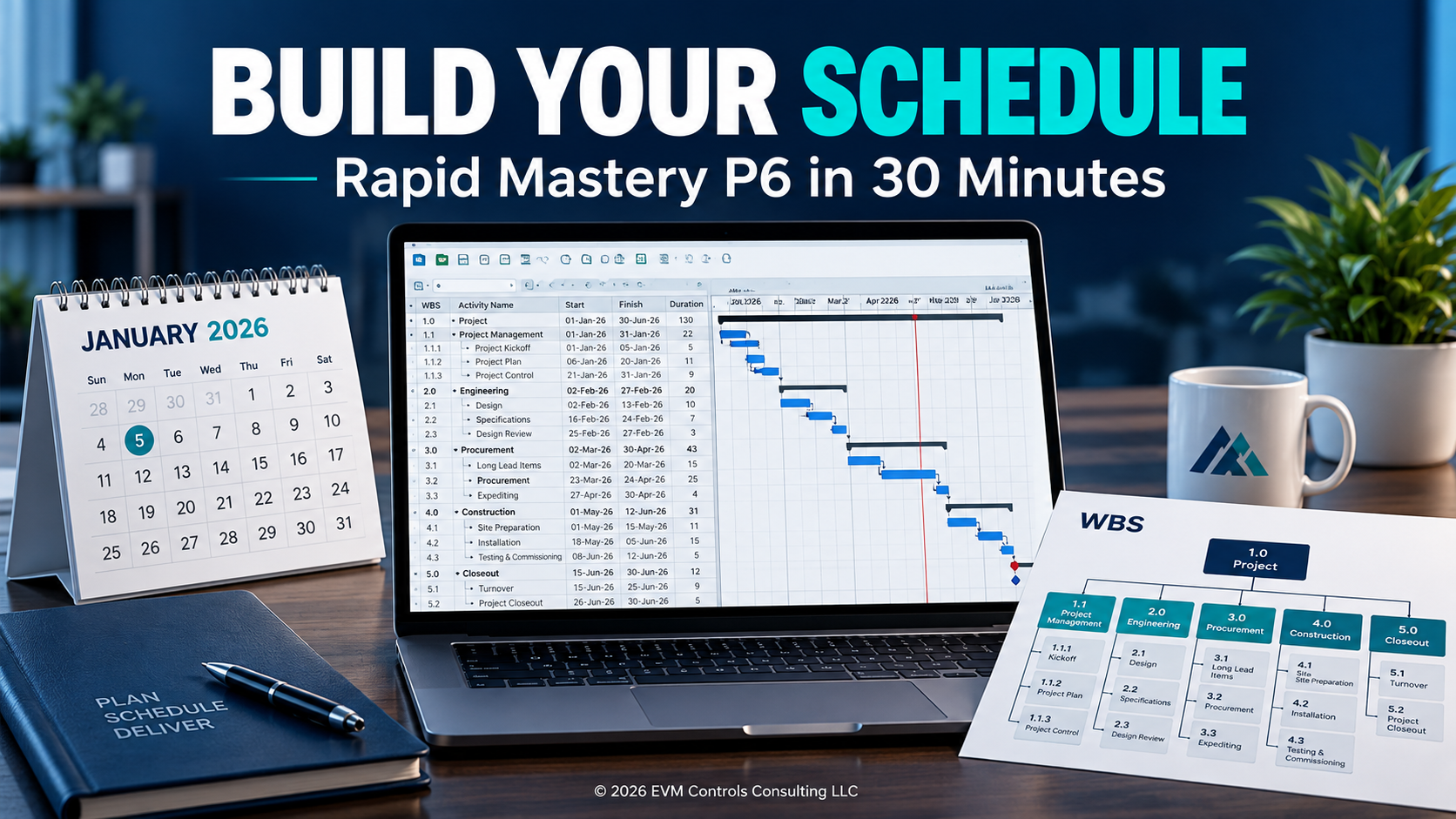
See how to turn project scope into a connected P6 schedule. Follow practical demonstrations of project setup, WBS, calendars, activities, relationships, and the critical path.
Track Project Progress
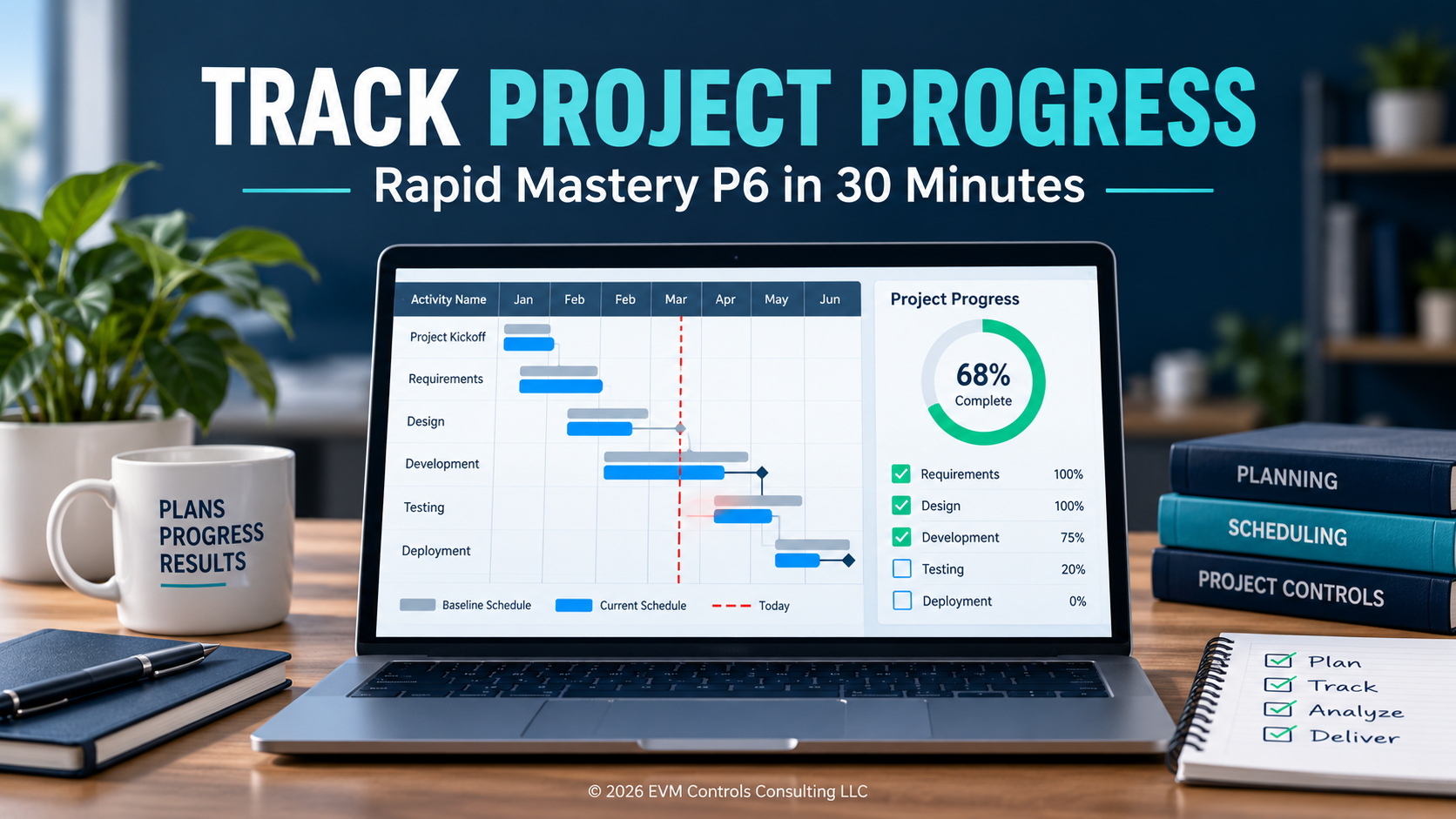
Follow three weekly updates to see how progress changes the schedule. Explore baselines, activity status, look-aheads, and variance reports to understand upcoming work and changes from the plan.
Learn. Practice. Repeat.
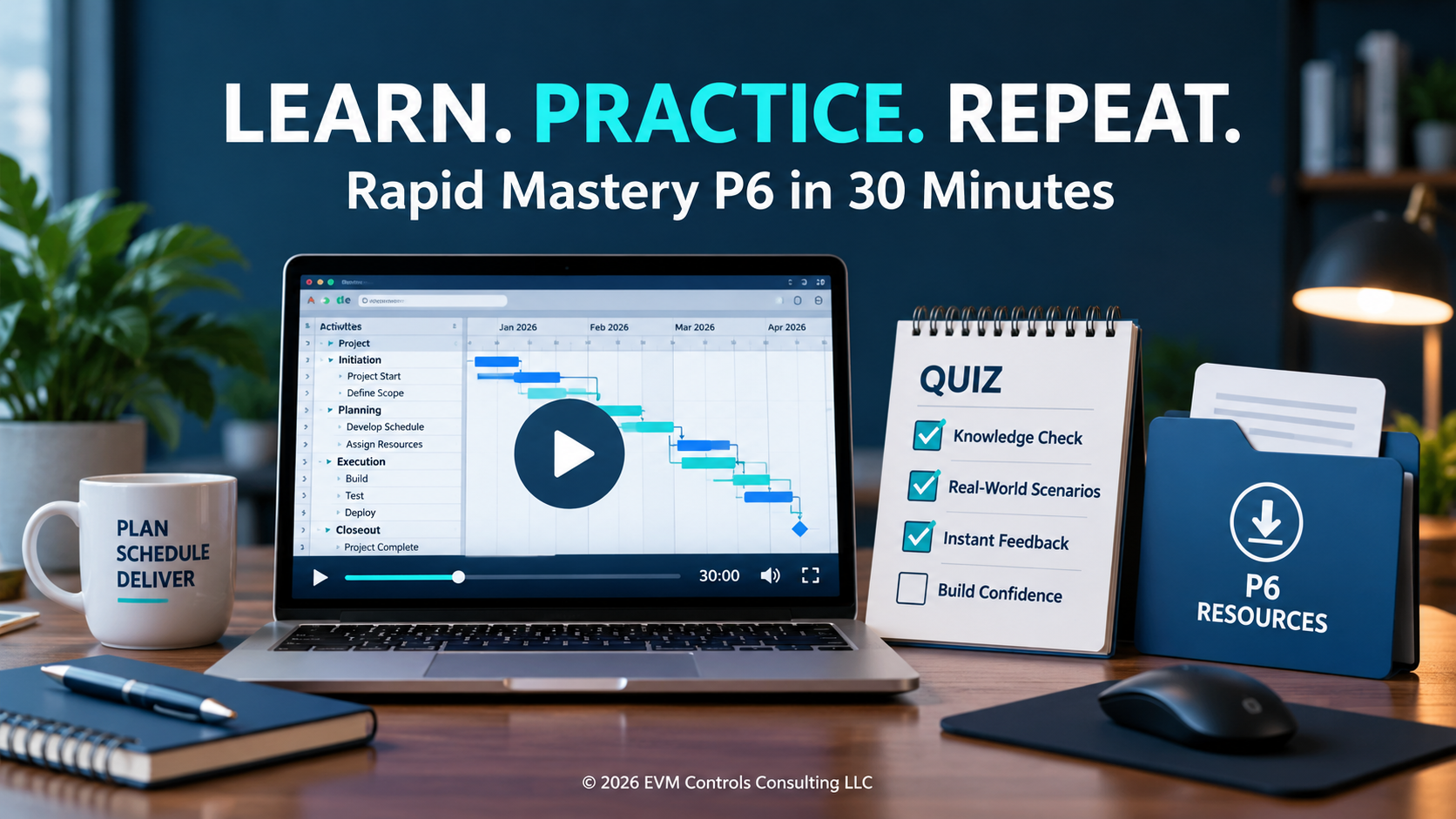
Build your foundation with 23 short videos, chapter quizzes, and downloadable layouts and documents. Pause to practice, revisit individual lessons, and learn at your own pace.
About the course
Get Familiar with P6—One Practical Lesson at a Time Rapid Mastery P6 in 30 Minutes introduces the essential Primavera P6 Professional workflow through 23 short video lessons. Follow a project from setup and schedule development through resource assignments, baselines, weekly updates, and reporting. Whether you’re starting fresh or need a refresher, learn at your own pace with chapter quizzes and downloadable layouts and documents. Pause, practice, and revisit lessons as you build your skills. Approximately 30 minutes of video instruction; allow additional time for quizzes and hands-on practice.

Cesar Ramos
**Meet Your Instructor — Cesar Ramos** Learn from a project controls consultant who uses Primavera P6 on real projects. Cesar brings more than 27 years of experience in scheduling, earned value management, cost estimating, and schedule analysis across oil and gas, chemicals, energy, and industrial projects. His practical teaching approach connects P6’s features to the work planners and schedulers perform every day. In Rapid Mastery P6 in 30 Minutes, he introduces the essential workflow through concise demonstrations you can revisit as you practice.
Curriculum
-
-
(Included in full purchase)
Instructions to Download Primavera P6
-
(Included in full purchase)
-
-
(Included in full purchase)
Course Introduction
-
(Included in full purchase)
Opening a Project
-
(Included in full purchase)
Project Navigation
-
(Included in full purchase)
-
-
(Included in full purchase)
New Project
-
(Included in full purchase)
Work Breakdown Structure
-
(Included in full purchase)
-
-
(Included in full purchase)
Calendars — Overview
-
(Included in full purchase)
Calendars — Setup and Review
-
(Included in full purchase)
-
-
(Included in full purchase)
Layouts
-
(Included in full purchase)
Activities
-
(Included in full purchase)
-
-
(Included in full purchase)
Relationships — Introduction
-
(Included in full purchase)
Relationships — Application
-
(Included in full purchase)
Critical Path
-
(Included in full purchase)
-
-
(Included in full purchase)
Resources
-
(Included in full purchase)
Assigning Resources
-
(Included in full purchase)
Resource Distribution
-
(Included in full purchase)
-
-
(Included in full purchase)
Timescale
-
(Included in full purchase)
-
-
(Included in full purchase)
Baseline
-
(Included in full purchase)
-
-
(Included in full purchase)
Updating — Week 1
-
(Included in full purchase)
Updating — Week 2
-
(Included in full purchase)
Updating — Week 3
-
(Included in full purchase)
-
-
(Included in full purchase)
Filters
-
(Included in full purchase)
Four-Week Look-Ahead
-
(Included in full purchase)
Variance Reports
-
(Included in full purchase)
-
-
(Included in full purchase)
Bonus Resources Downloads
-
(Included in full purchase)
What people are saying
Testimonials build trust — fast. Check out what some of my fellow colleagues have said about the course.
“Cesar taught me alot when it came to scheduling. I highly recommend going to him. I can assure you, you will not be disappointed!!!” Google review
Google Review
“What I learned with Advanced Planning Analytics has propelled me into an owner Oil & Gas company deploying advance functions like Earned Value using Primavera. This is one of the best courses that I have taken. Definitely worth it.”
Houston, Tx
“I just want to thank you for giving me a game plan to have the confidence to hit the ground running when I get there using Earned Value in P6.”
Westlake, LA
Ready to Start Scheduling in P6?
Take your first step with Rapid Mastery P6 in 30 Minutes. Explore the essential workflow through 23 short video lessons, test your understanding with quizzes, and put your learning into practice with downloadable layouts and documents.
$59.95